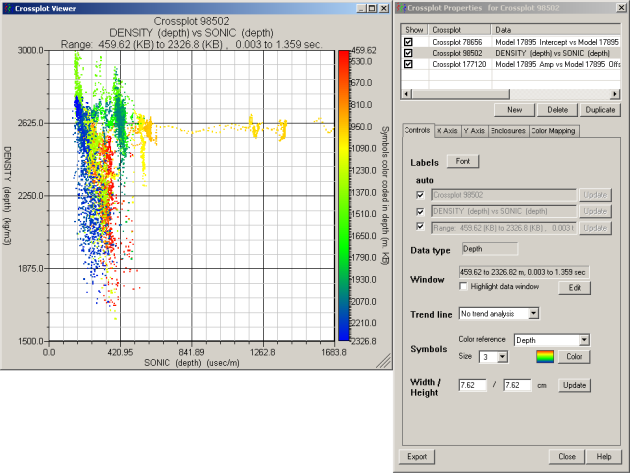
Export X and Y coordinates in .csv format. Export a crossplot either using the Crossplot properties dialog box or the Export Manager: Crossplot dialog box. Procedures for both appear below.
To export crossplots using the Crossplot Properties dialog box
1. From the Edit menu, select Crossplot properties.
OR
Right-click the crossplot and select Crossplot Properties.
The Crossplot properties dialog box appears.
2. Click Export, select a location, and then click Save.
3. Click Close to exit the Crossplot Properties dialog box.
To export crossplots using the Export Manager dialog box
1. From the File menu, select Export.
The Export Manager: Crossplots dialog box appears.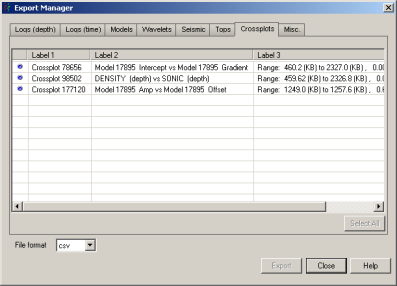
2. Select the crossplot to export in the display pane, and then click Export.
| Creating Crossplots |